CASE STUDY / COMPUTE
เปิดเว็บไซต์จริง ↗Visit the website ↗ทำเรื่อง AI Agents ให้เข้าใจง่าย ผ่านเว็บไซต์ผลิตภัณฑ์ที่เล่าเป็นขั้นตอนMaking AI agents easier to understand through a product website
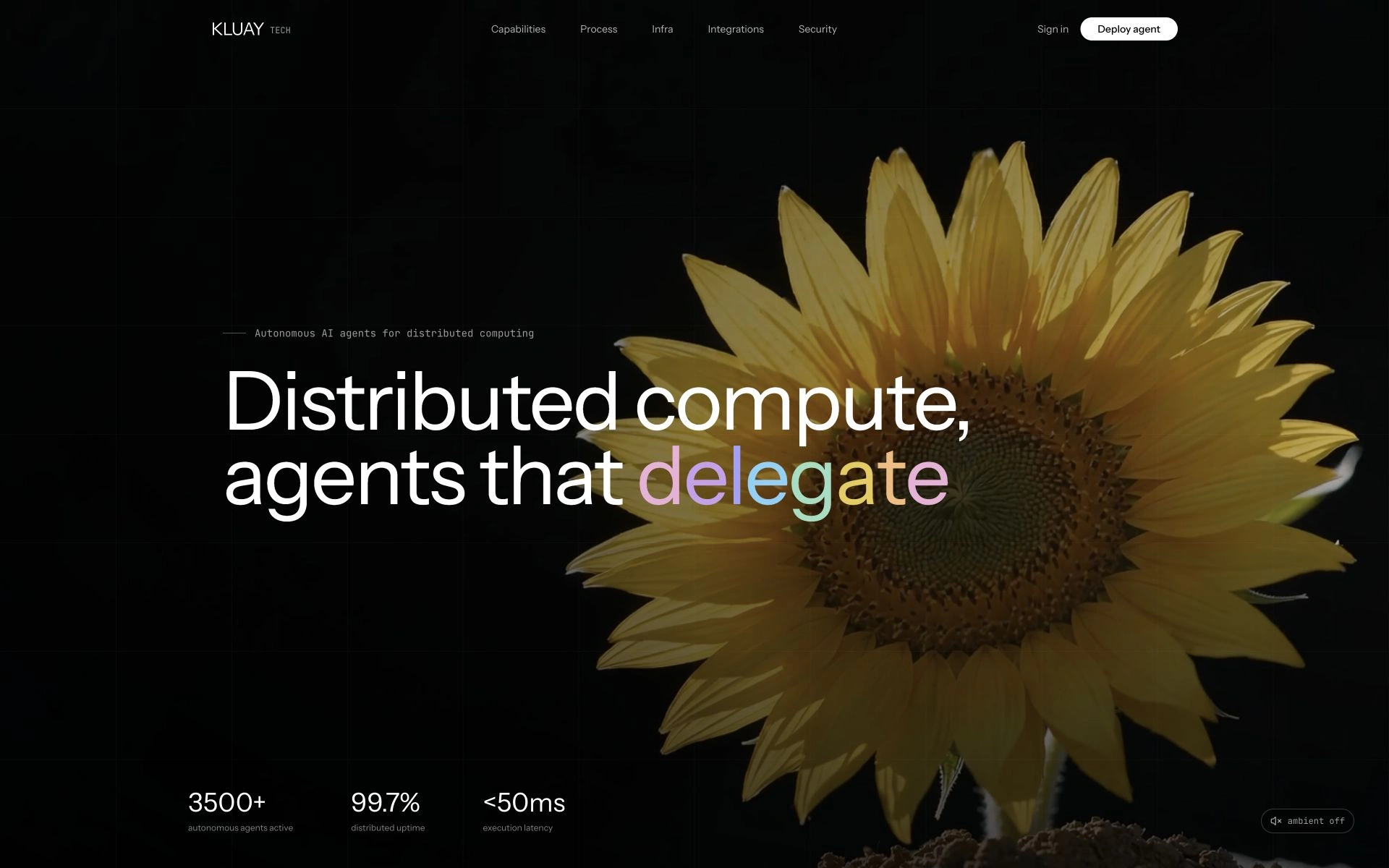
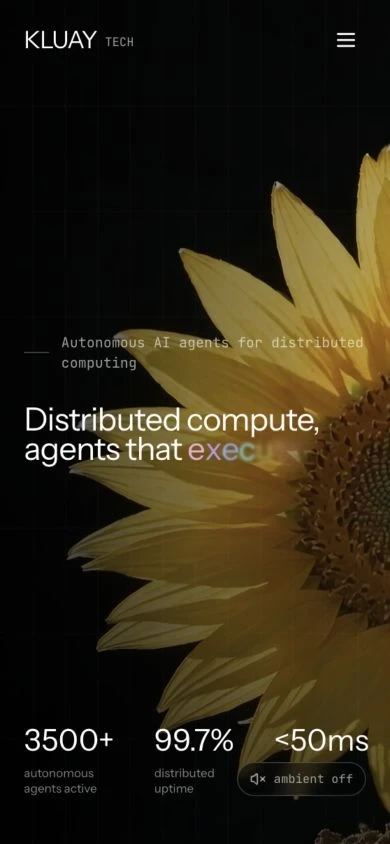
หน้าเว็บไซต์ Kluay Tech / COMPUTE นำเสนอแนวคิด AI Agents และ Automation ด้วยภาพ ขั้นตอนการใช้งาน และส่วนแนะนำการเชื่อมต่อเครื่องมือA product website for Kluay Tech / COMPUTE that presents AI agents and automation through visuals, process sections, and integration information.
01 / THE BRIEF
เราได้รับโจทย์แบบไหนWhat the website needed to do
โจทย์คืออธิบายผลิตภัณฑ์ที่มีแนวคิดทางเทคนิคให้คนที่เพิ่งเข้ามาเห็นภาพได้เร็ว เว็บไซต์ต้องเล่าทั้งสิ่งที่ผลิตภัณฑ์ทำและวิธีเริ่มใช้งาน โดยยังมีภาพลักษณ์ที่โดดเด่นThe brief was to make a technical product understandable to first-time visitors, explaining its concept and starting workflow while retaining a distinctive visual identity.
02 / OUR APPROACH
เราเปลี่ยนโจทย์ให้เป็นเว็บไซต์อย่างไรHow we shaped the experience
เราแบ่งเรื่องเป็นความสามารถ ขั้นตอน และการเชื่อมต่อ ใช้หัวข้อสั้นกับภาพประกอบสร้างจังหวะการอ่าน ให้ผู้ใช้ค่อย ๆ เข้าใจผลิตภัณฑ์ก่อนอ่านข้อมูลที่ละเอียดขึ้นWe organised the story into capabilities, process, and integrations, using short headings and visual pacing before introducing more detailed information.
- เว็บไซต์ผลิตภัณฑ์ AI และ AutomationAI & automation product website
- หน้าแนะนำขั้นตอนการใช้งานProduct workflow presentation
- ภาพและการจัดลำดับเนื้อหาVisual storytelling & content structure
03 / IN ACTION
ภาพจริงจากฟีเจอร์ที่เราทำThe experience, screen by screen
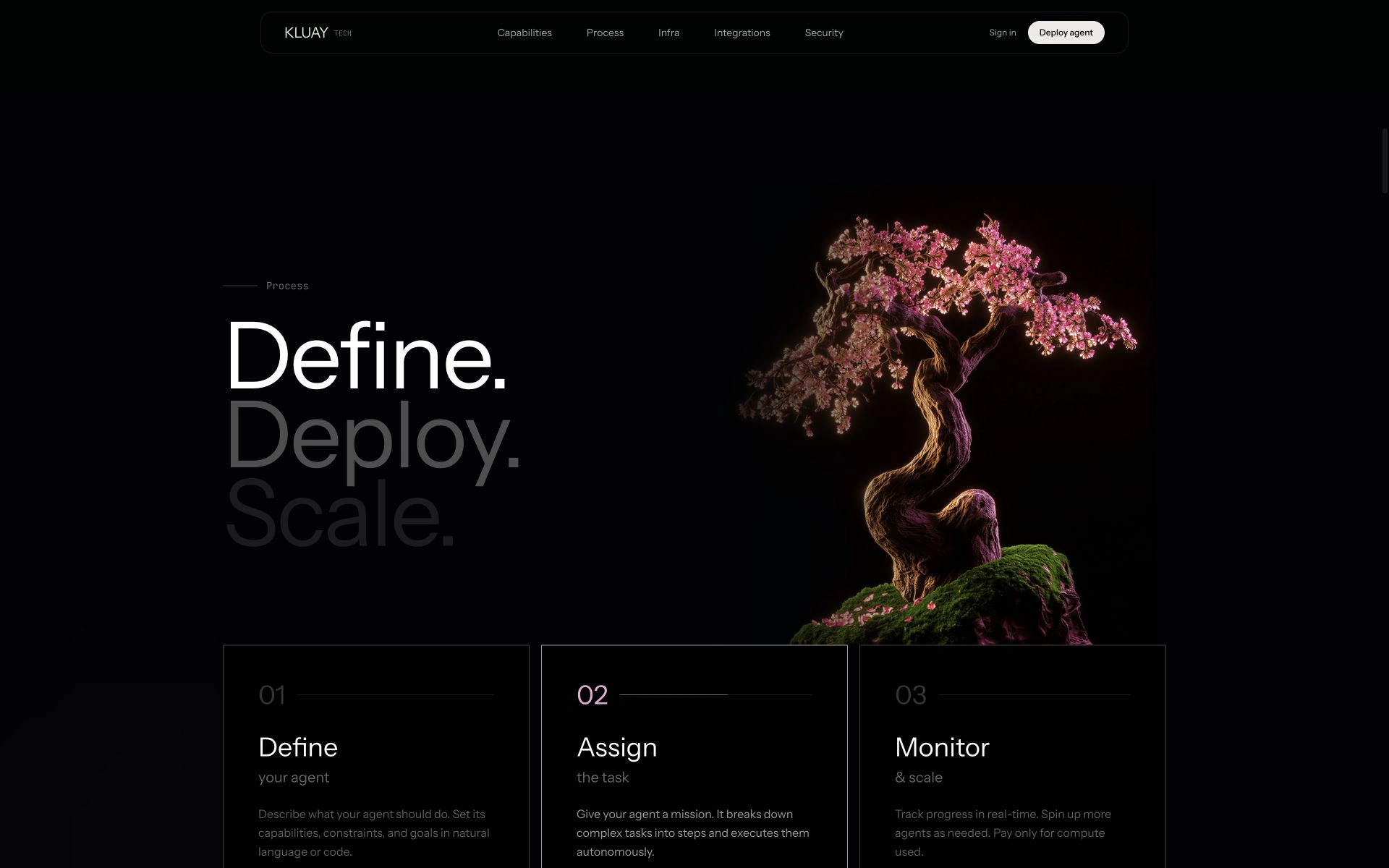
เล่าขั้นตอนด้วย Define → Assign → MonitorExplain the process: Define → Assign → Monitor
แยกขั้นตอนออกเป็นการ์ดสั้น ๆ ให้ผู้ชมเห็นเส้นทางของผลิตภัณฑ์จากการกำหนดงานไปสู่การติดตามShort process cards show the product concept from defining an agent to assigning tasks and monitoring progress.
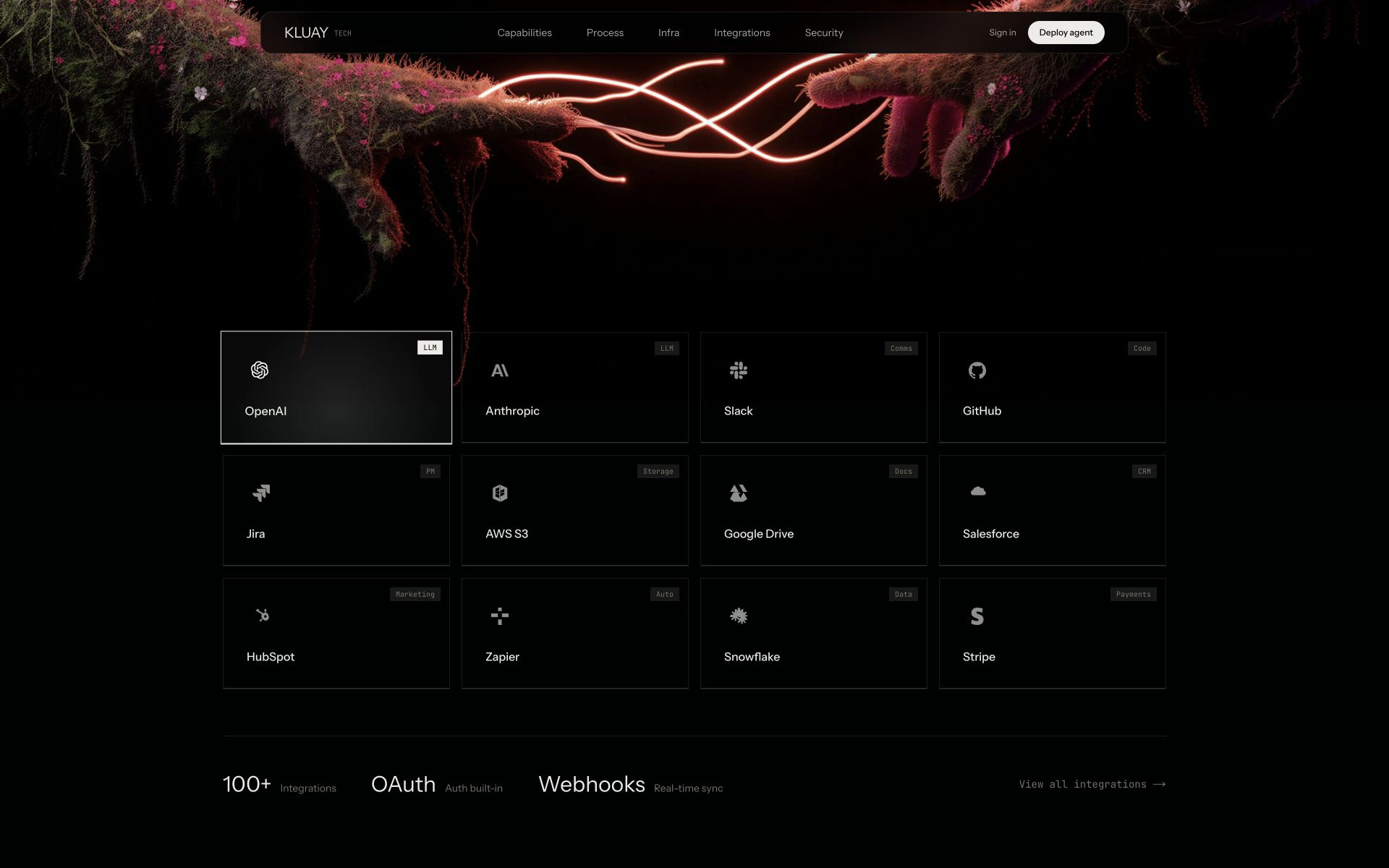
แสดงแนวคิดการเชื่อมต่อให้เห็นภาพMake the integration story visual
ส่วน Integrations ใช้กริดเครื่องมือและภาพประกอบเพื่อสื่อแนวคิดการทำงานร่วมกับบริการต่าง ๆ ในหน้าแนะนำผลิตภัณฑ์The integration section uses a tool grid and imagery to present the concept of working with other services on the product landing page.
04 / THE OUTCOME
สิ่งที่เว็บไซต์ทำให้ผู้ใช้ได้What visitors can now do
หน้าเว็บมีเส้นทางการอ่านจากแนวคิดหลัก ไปสู่ขั้นตอนและตัวอย่างเครื่องมือ ช่วยนำเสนอผลิตภัณฑ์ AI ในรูปแบบที่สำรวจได้เป็นส่วน ๆThe page connects the core concept to workflow and tool examples, presenting the AI product as a sequence of explorable sections.
เปิดเว็บไซต์จริง ↗Visit the website ↗YOUR NEXT PROJECT
มีโจทย์คล้ายกัน ให้เราช่วยทำHave a similar challenge? Let’s build it.
คุยกับ KluayTech เรื่องเว็บไซต์ ซอฟต์แวร์ หรือระบบ Automation สำหรับธุรกิจของคุณTalk to KluayTech about a website, software, or automation for your business.
ปรึกษาโปรเจกต์ฟรี ↗Discuss your project for free ↗Cronus Precision